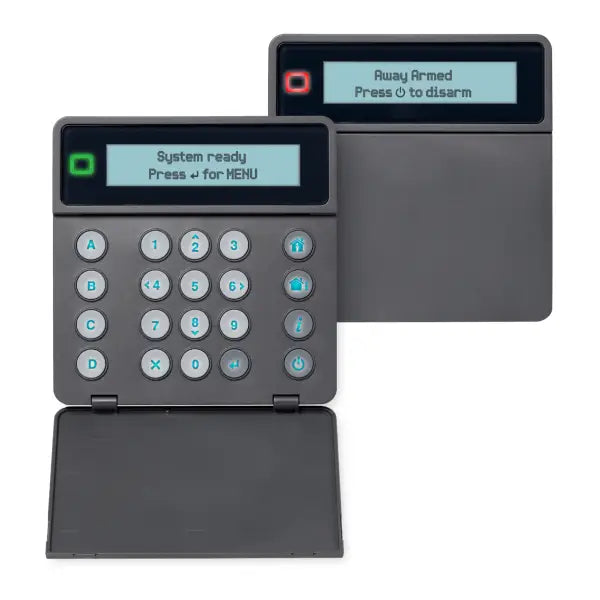
Compare VoiceNav Lite and Reliance XR keypad options for compatible Hills alarm installations. Choose the correct model for your panel, preferred interface and replacement requirements.
Choose Your Keypad Model
The current range includes:
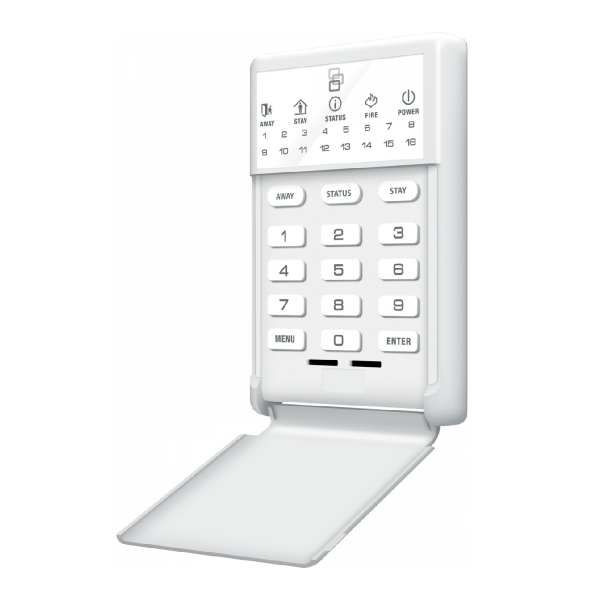
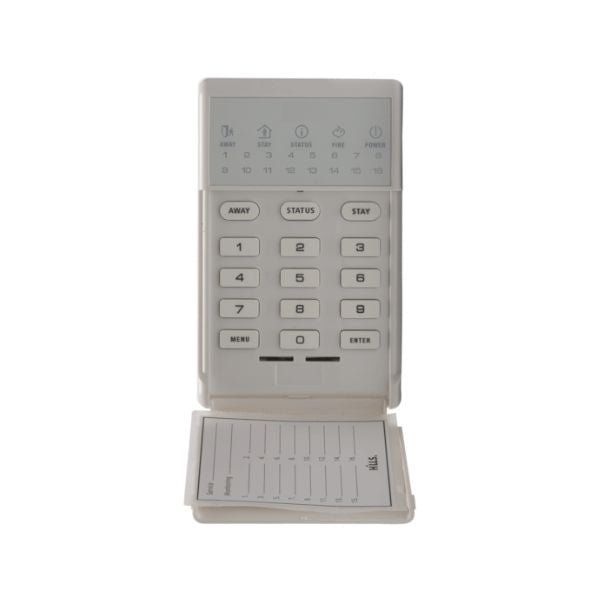
- NX-1815E VoiceNav Lite: An LED keypad option for the compatible panel specified in the product.
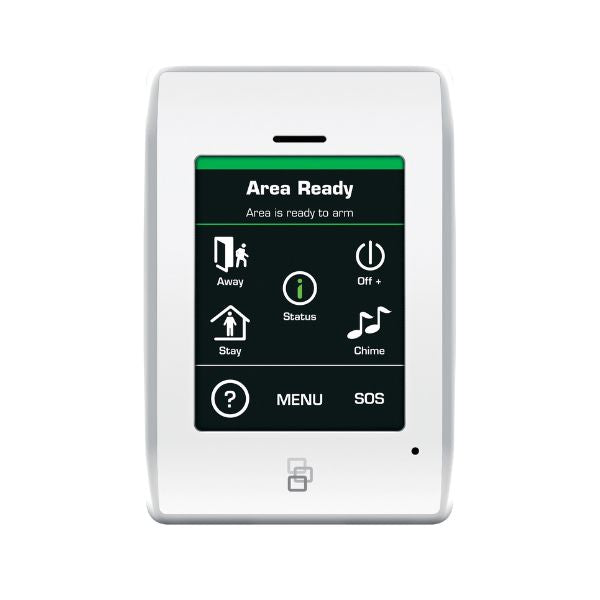
- S110617 XR Touch: A touch-operated keypad for a supported XR installation.
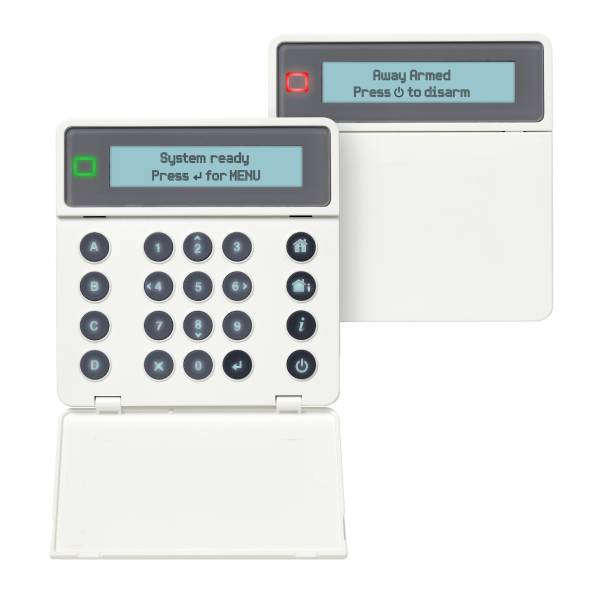
- NXG-1830-EUR: An XR keypad option.
- NXG-1831-EUR Black: A black XR keypad option.
Check the individual listing for display type, functions, supplied items and compatibility.
Confirm Panel and Firmware Compatibility
Identify the exact alarm panel and existing keypad before ordering. Older Reliance and newer XR/XRPro systems should not be assumed to use interchangeable keypads.
Your installer should confirm panel model, firmware, keypad bus, power requirements and supported configuration. Similar appearance or a shared Hills name does not establish compatibility.
Compare the XR Series and XRPro alarm ranges.
Arming, Displays and System Functions
A compatible keypad provides everyday access to supported alarm operation, including arming and disarming. Display information, menus and other functions depend on the exact model and programming.
Touchscreen and LED interfaces are different options. Do not assume every keypad displays zone names, provides voice functions or supports the same shortcuts.
A replacement keypad does not automatically increase panel capacity or add smartphone connectivity.
Wired Installation and Replacement
These keypads require a suitable wired connection to the compatible alarm panel. Mounting location, cable condition and power requirements should be assessed before installation.
A suitably qualified security technician should replace and configure the keypad, complete any required enrolment and test operation.
If adding another keypad, confirm available system capacity and wiring requirements rather than assuming it can be connected without configuration.
Choosing a Complete Kit or Accessories
For a new installation or broader upgrade, a complete panel-and-keypad package may be more appropriate than a keypad-only purchase. Check whether detectors, sirens, battery and power supply are required separately.
Remote controls use their own compatible receiver arrangement; keypad selection alone does not establish remote compatibility. Browse Hills Reliance remotes for suitable options.
Ordering and Support
Have your panel model, existing keypad part number and intended function ready when requesting advice. Confirm the selected product’s availability, warranty terms and delivery information before ordering.
If the original keypad has been replaced by a different model, ask your installer whether programming, firmware or wiring changes are required.
Need help identifying your keypad? Call CTC Security on 1300 552 282 with your panel and existing keypad details.