Hikvision Remote Controls, Tags and Panic Buttons
Choose Hikvision remote controls and credentials to suit the way you use your security system. Compare an AX PRO wireless keyfob, contactless tags and cards, and panic buttons, with compatibility advice from CTC Security.
Wireless Keyfob Control
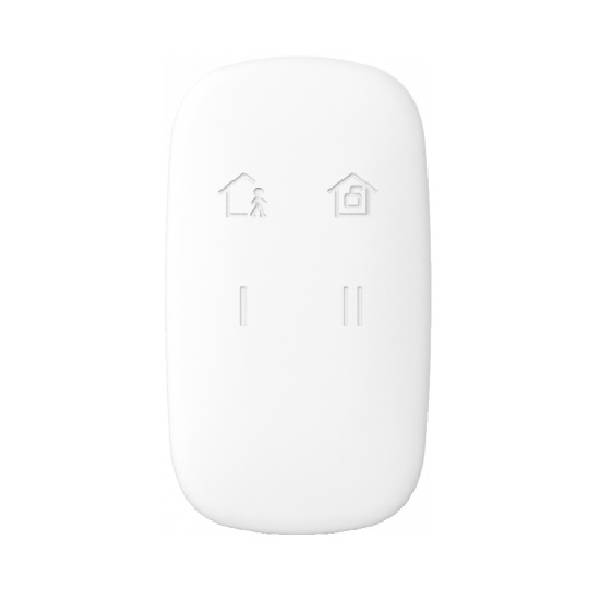
The DS-PKF1-WB AX PRO wireless keyfob provides a convenient way for authorised users to operate a compatible alarm. Configure its supported controls to suit the system and explain their use to each user.
Wireless range depends on the installation and surrounding conditions. Test operation where you intend to use the keyfob rather than assuming it will work from a particular driveway or vehicle position.
Contactless Tags and Smart Cards
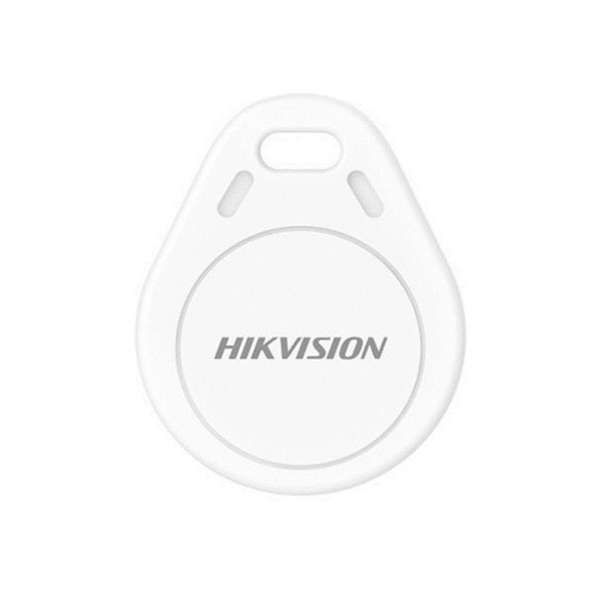
The collection includes the DS-PT-M1 AX PRO Mifare tag and DS-IC-S50-3 contactless smart cards, supplied as a set of three cards. These credentials are presented to a compatible reader rather than operated as a wireless button remote.
Confirm the exact reader and credential compatibility before ordering. Matching a frequency or brand alone does not establish that a card or tag supports your intended alarm or access control function.
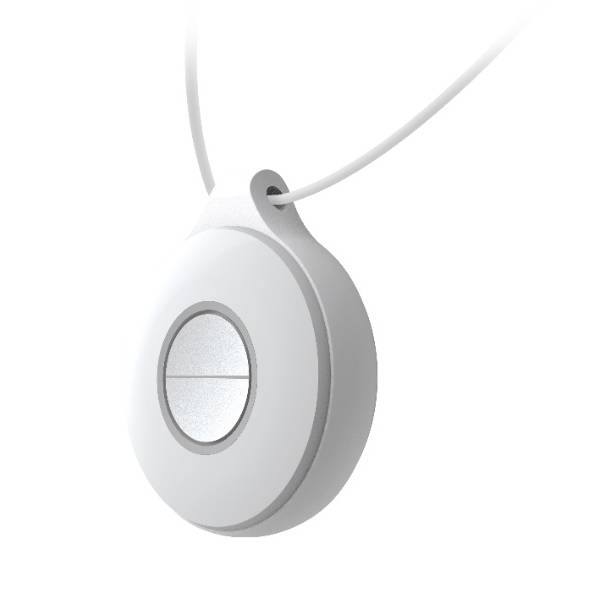
Panic and Emergency Buttons
Choose a compatible panic device for a configured alarm event. The range includes:
- DS-PDEB1-EG2-WB single panic button.
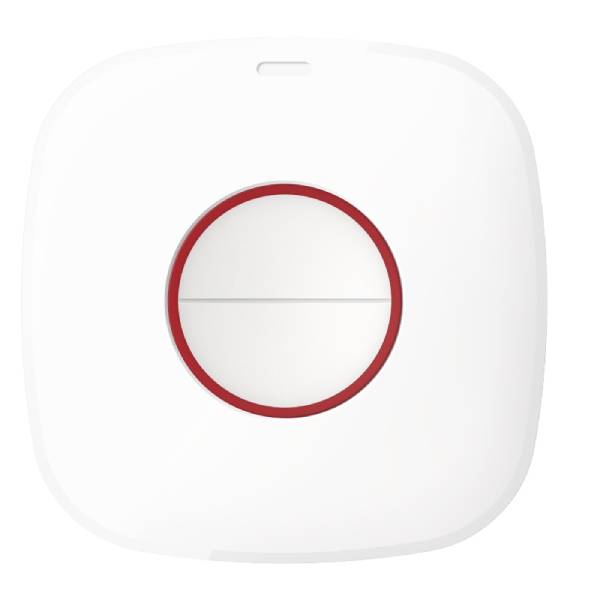
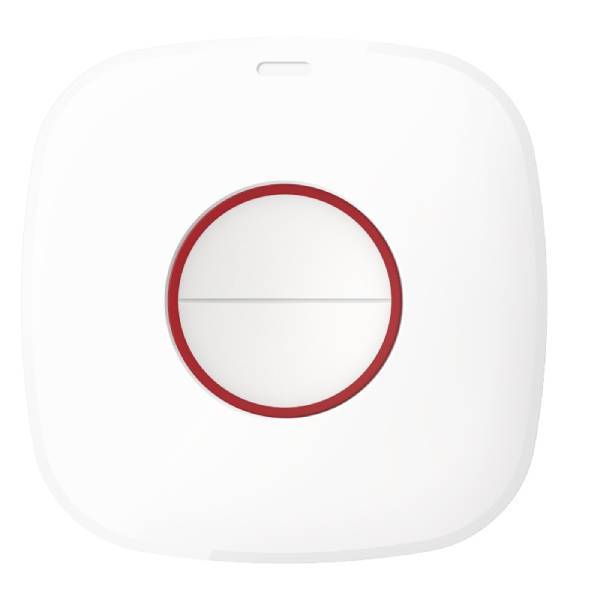
- DS-PDEB2-EG2-WB dual panic button.
- DS-PDEBP1-EG2-WB portable panic button.
- DS-PDEBP2-EG2-WB portable dual panic button.
Compare the activation method and mounting or carrying options in each product's instructions. Panic buttons serve a different purpose from everyday arming remotes.
Agree who receives an alert and how they will respond. A panic button does not automatically contact emergency services or arrange assistance; any monitoring service must be set up separately.
Compatibility and Enrolment
Check the exact panel or reader model, regional version and supported functions before adding a device. Wireless AX PRO accessories must match the system's supported wireless frequency and firmware requirements.
Enrol each device or credential according to the relevant instructions and assign appropriate user permissions. For a new installation, explore Hikvision AX PRO wireless alarm kits.
Managing User Access
Allocate remotes, tags and cards to authorised users and keep a record of who holds each device. Remove lost credentials from the system promptly and review access when household members, staff or contractors change.
Test configured controls and panic alerts during commissioning, and follow the product's maintenance and battery instructions where applicable. Confirm the response process with users before relying on a panic device.
Complete Your Alarm Controls
Add a dedicated control point with a compatible Hikvision code pad, or browse Hikvision alarm accessories for detectors, contacts and other expansion options.
CTC Security can help you distinguish a wireless keyfob from a reader credential or panic button and select the appropriate device for your system.
Need help choosing a Hikvision remote or tag? Call CTC Security on 1300 552 282 for product advice and Sydney installation enquiries.