Reliable recording for IP camera systems
Network Video Recorders for Home and Business CCTV
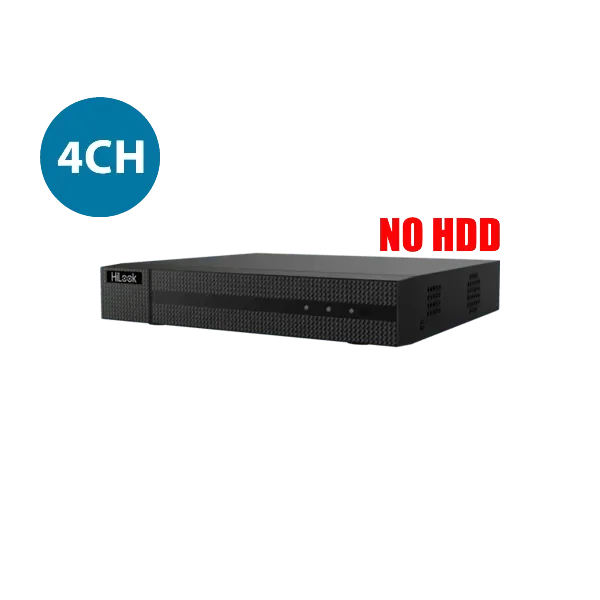
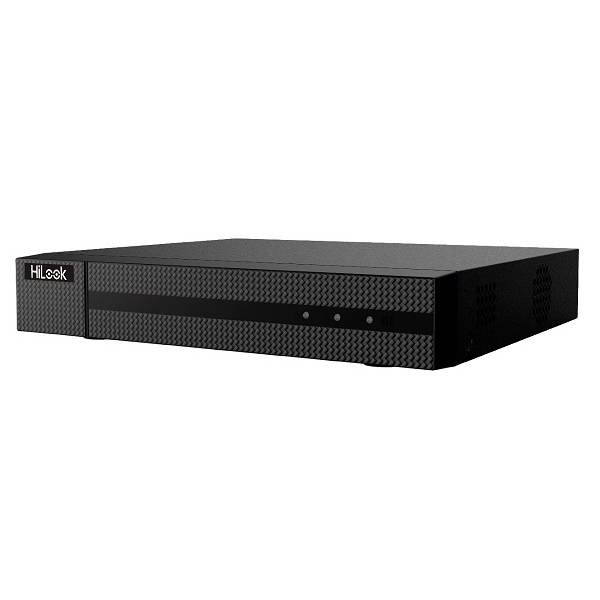
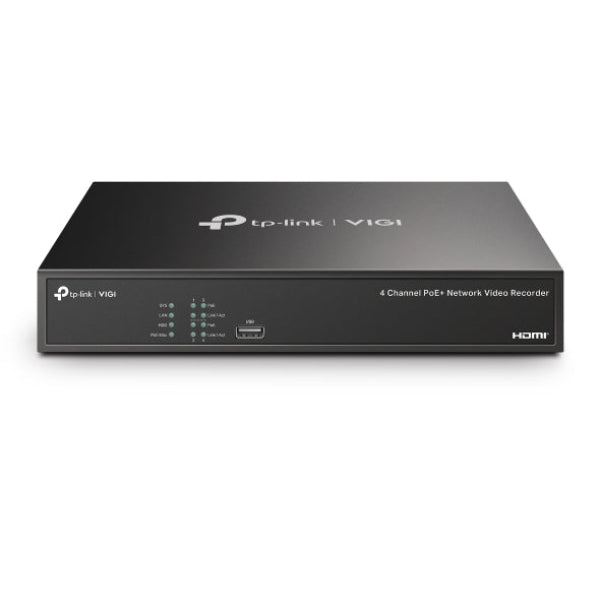
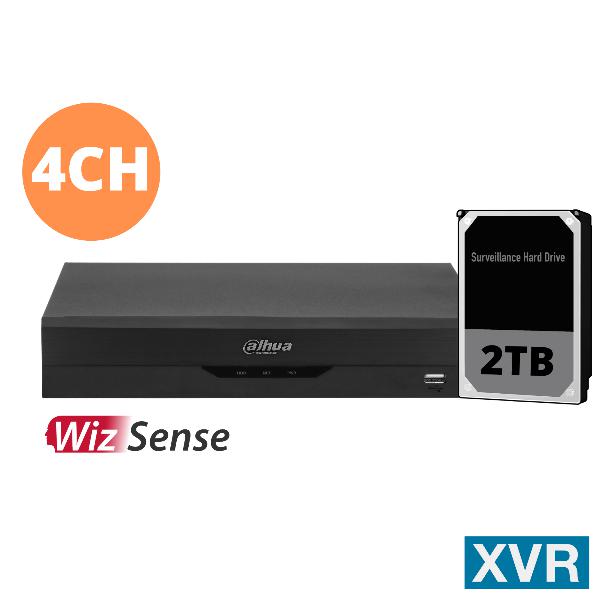
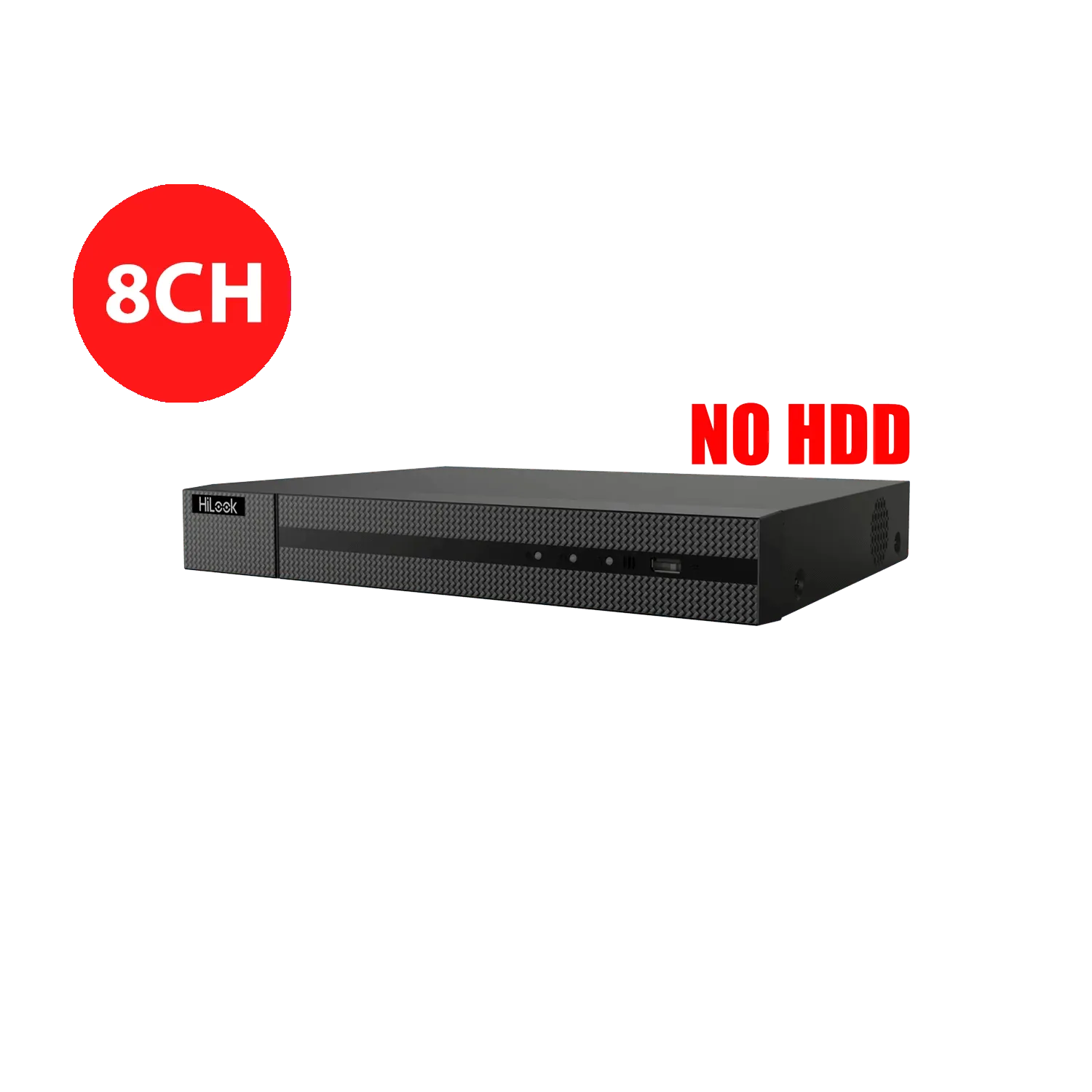
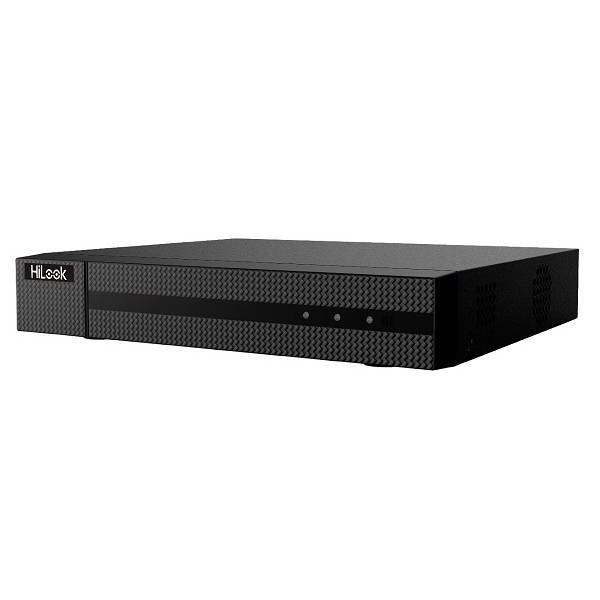
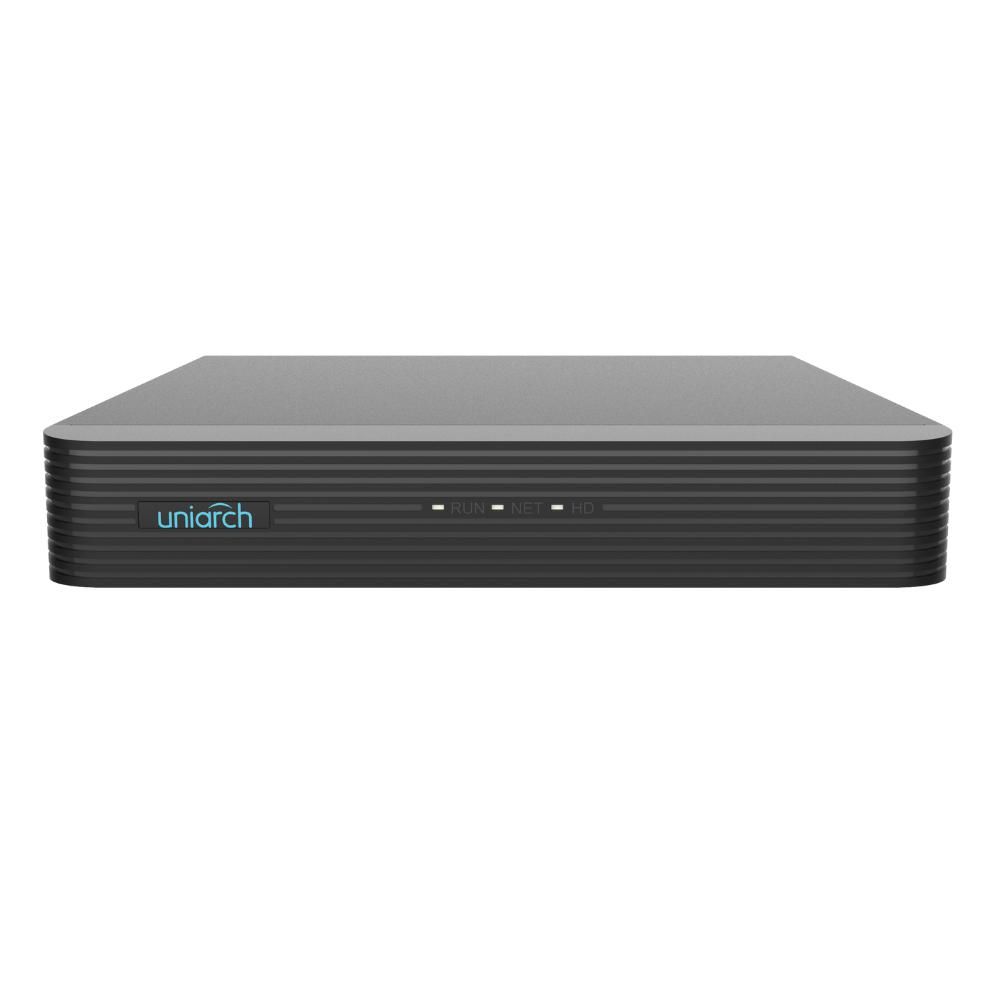
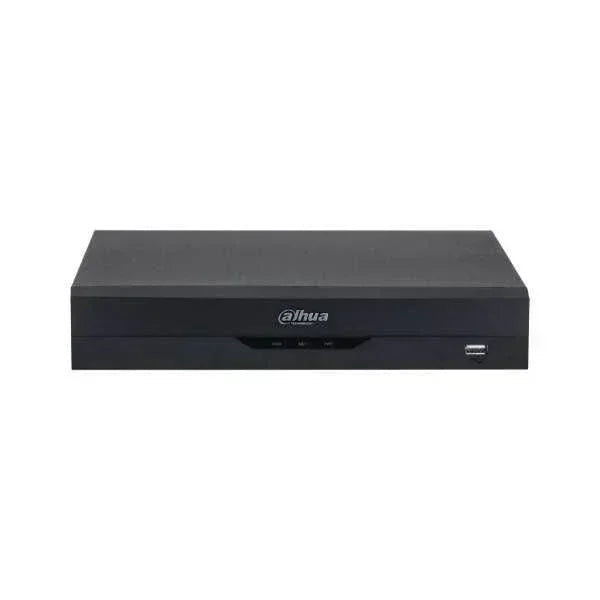
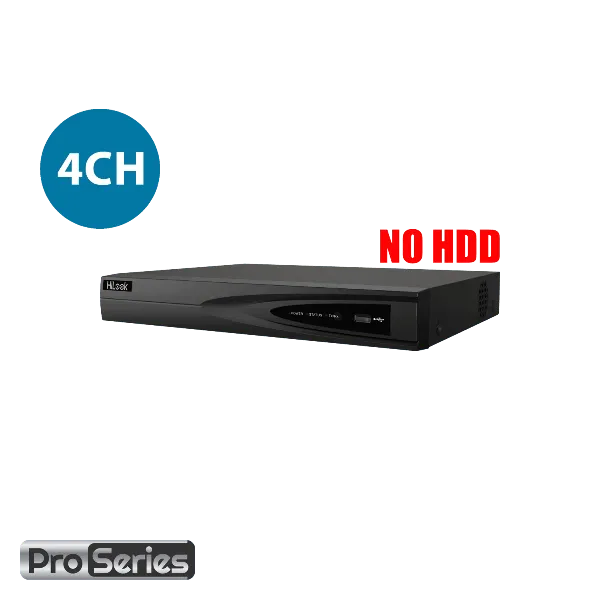
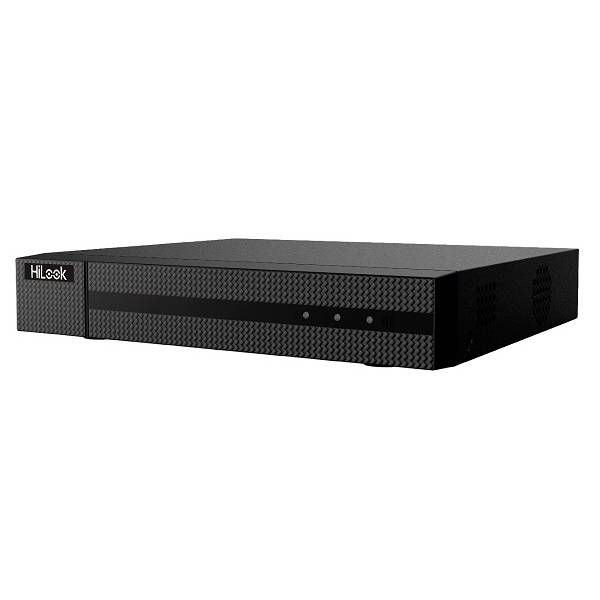
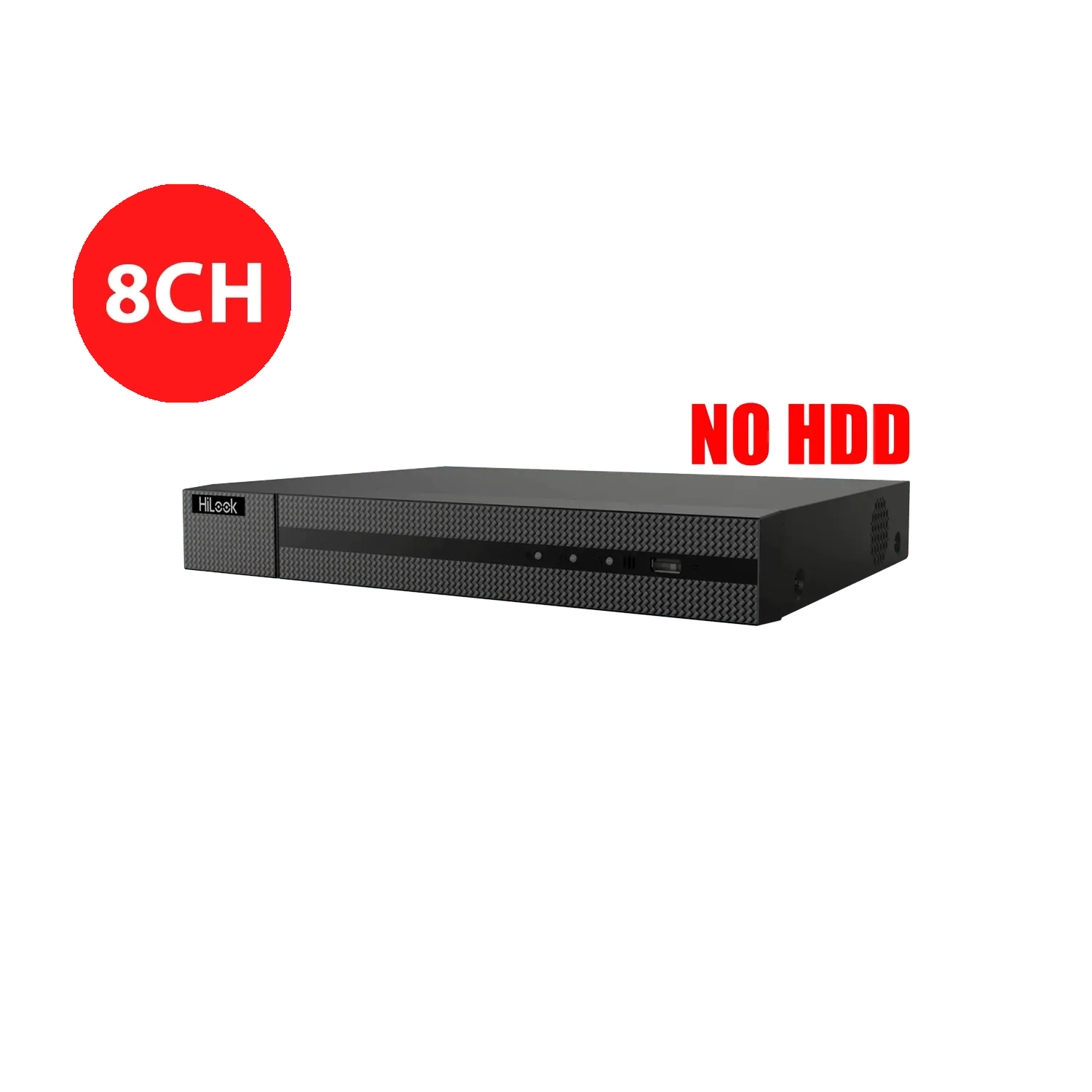
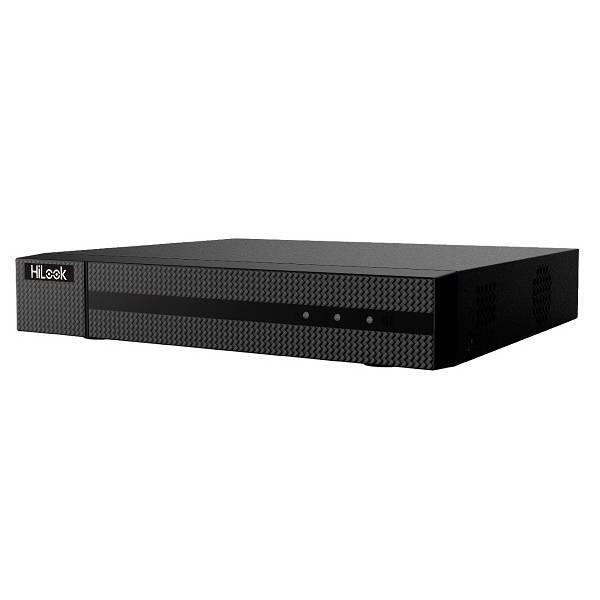
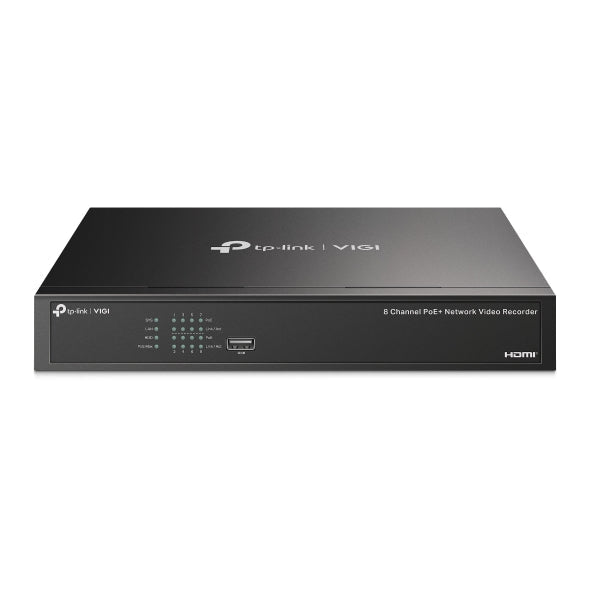
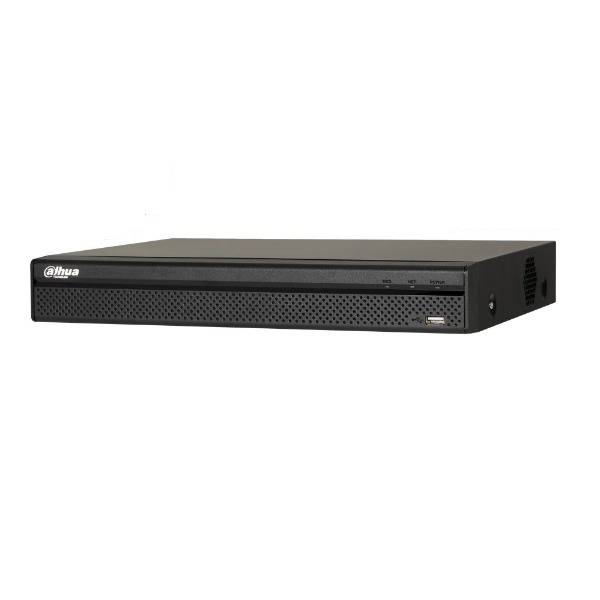
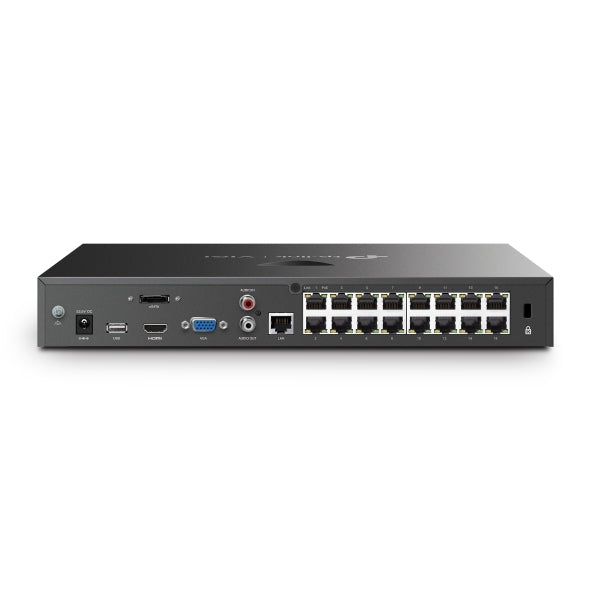
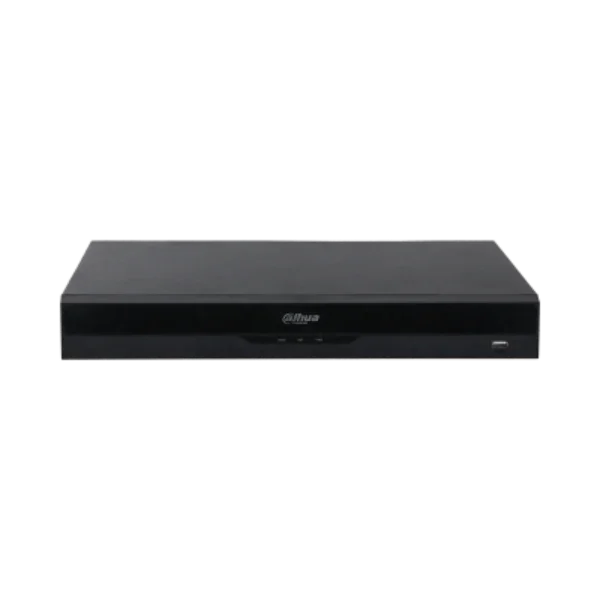
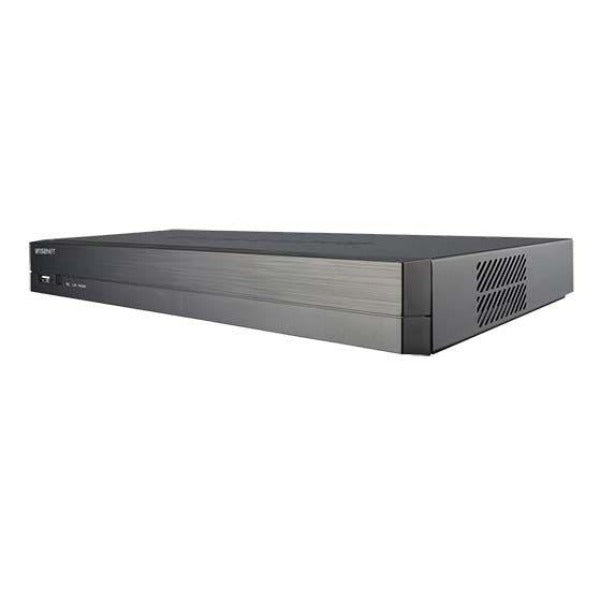
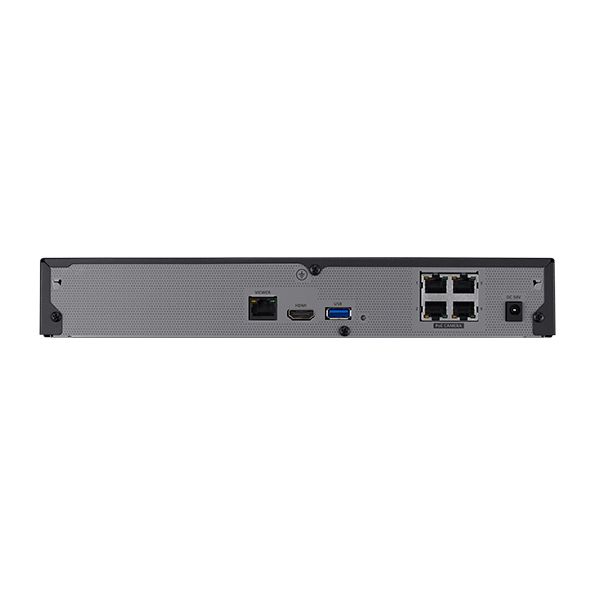
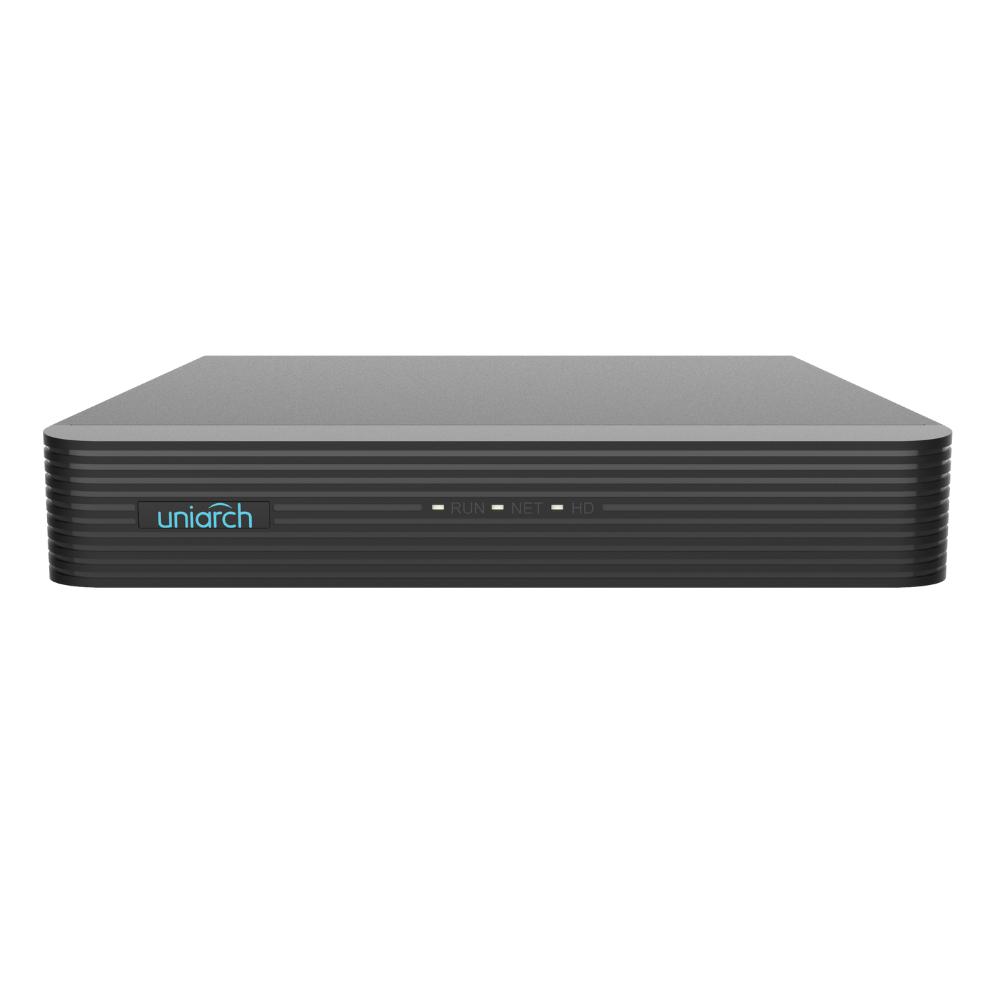
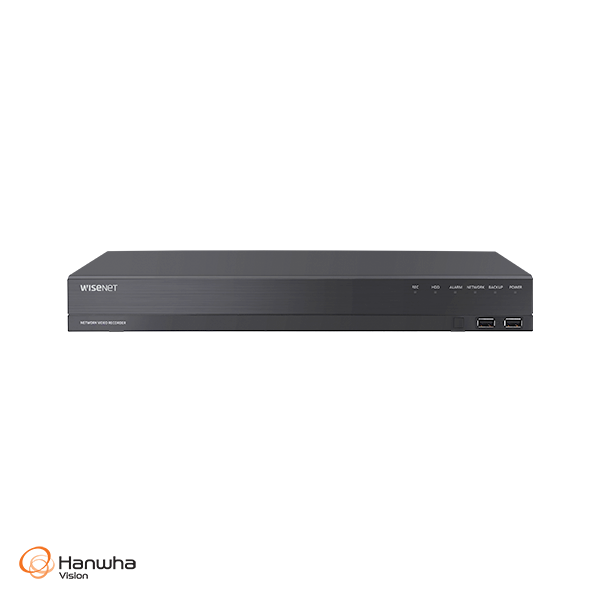
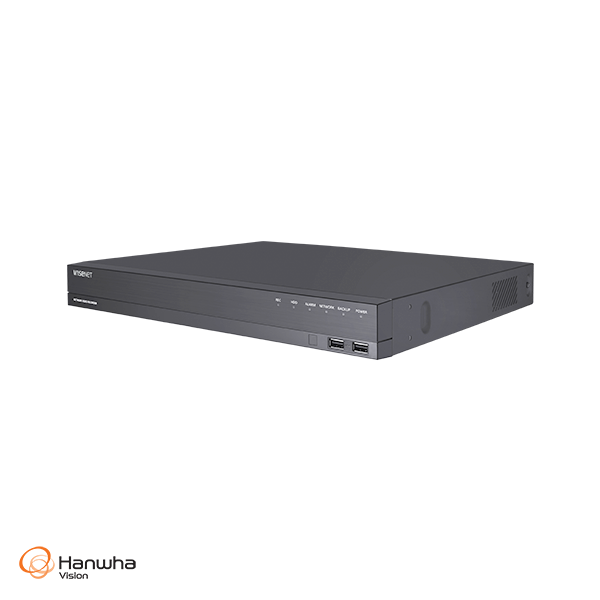
A network video recorder, or NVR, records and manages footage from compatible IP security cameras. CTC Security offers recorders for homes, offices, retail stores, warehouses and larger commercial sites, with options from 4 through to 128 camera channels.
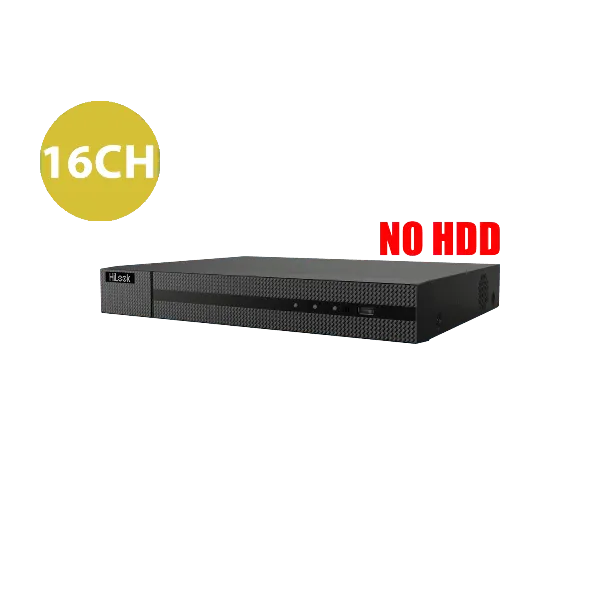
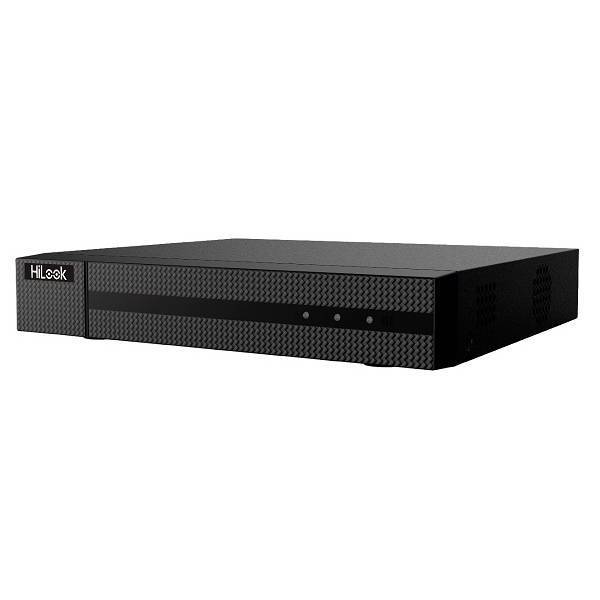
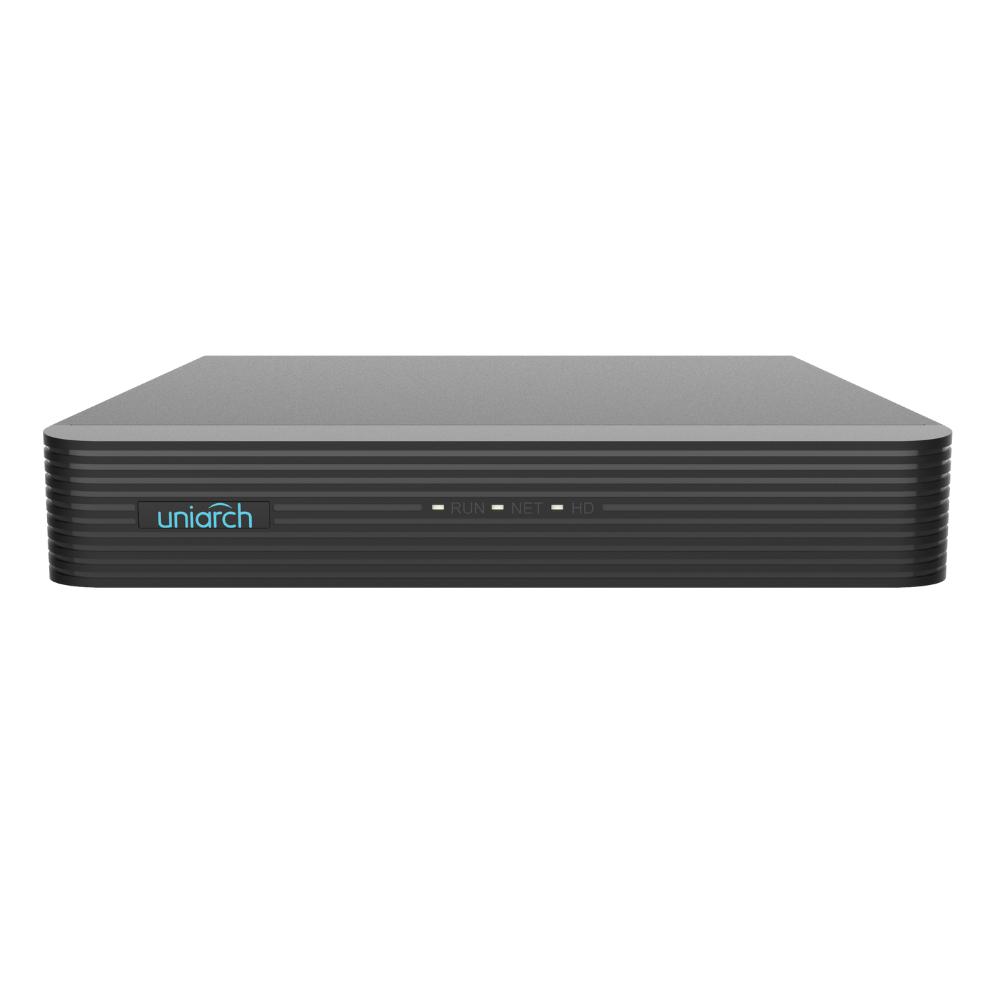
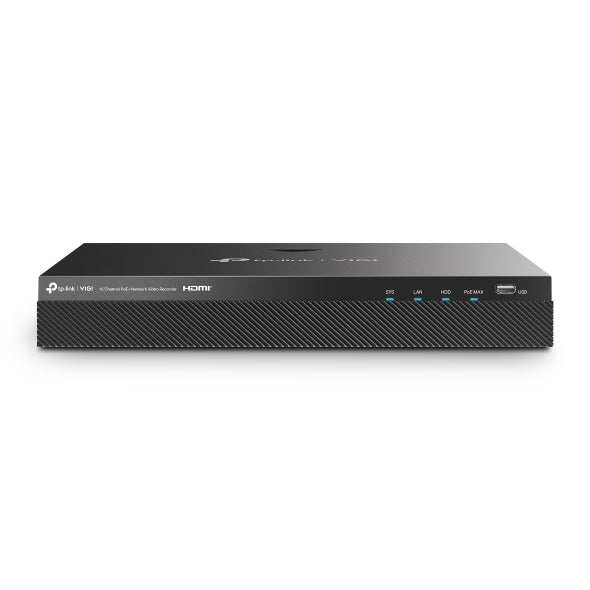
Compare NVRs by channel count, built-in PoE ports, supported camera resolution, recording bandwidth, drive bays and maximum storage. Shop trusted brands including Dahua, Hanwha Vision, Hikvision, HiLook, TP-Link VIGI, Uniarch and Vivotek, with Australia-wide delivery and professional installation across Sydney.
- 4 to 128 channel options
- PoE and non-PoE models
- Australia-wide delivery
- Sydney-wide installation
How many NVR channels do I need?
| NVR size | Maximum cameras | Common applications |
|---|---|---|
| 4 channel | Up to 4 cameras | Small homes, offices and focused monitoring of key areas |
| 8 channel | Up to 8 cameras | Average homes, shops and small business premises |
| 16 channel | Up to 16 cameras | Larger homes, retail stores, offices and warehouses |
| 32 channel | Up to 32 cameras | Larger commercial sites and multi-zone properties |
| 64 channel | Up to 64 cameras | Large facilities, industrial sites and multiple buildings |
| 128 channel | Up to 128 cameras | Enterprise, campus and large multi-site applications |
Channel count is the maximum number of cameras the recorder can support. If you may add cameras later, choose an NVR with spare channels and confirm that its PoE port count, recording bandwidth and storage capacity can also support the planned expansion.
Hard-drive storage, recording time and bandwidth
Some NVRs are sold without a hard drive, while others are available with storage installed. Check the individual product title, selected option and inclusions before ordering. The recorder must support the number, size and type of surveillance hard drives you intend to use.
Recording time varies with the number of cameras, image resolution, frame rate, bitrate, compression format, motion or continuous recording settings and total drive capacity. Higher-resolution cameras and longer retention periods generally require more storage.
- Confirm the number of hard-drive bays
- Check the maximum supported storage capacity
- Match incoming bandwidth to the camera load
- Confirm supported camera resolution and codecs
- Allow capacity for future cameras
- Consider a UPS for power interruption protection
PoE, camera compatibility and installation
An NVR with built-in Power over Ethernet ports can power and connect compatible IP cameras through network cable. If the recorder has fewer PoE ports than the planned camera count, or the cameras are connected through an existing network, a suitable PoE switch may be required. Confirm the switch has enough compatible ports and sufficient PoE power budget.
Cross-brand compatibility is not guaranteed. ONVIF support may provide basic video recording between compatible products, but advanced analytics, audio, event notifications and remote camera configuration can depend on the exact recorder, camera model, firmware and manufacturer protocol. Matching supported cameras and recorders from the same product family is generally the safest way to retain full functionality.
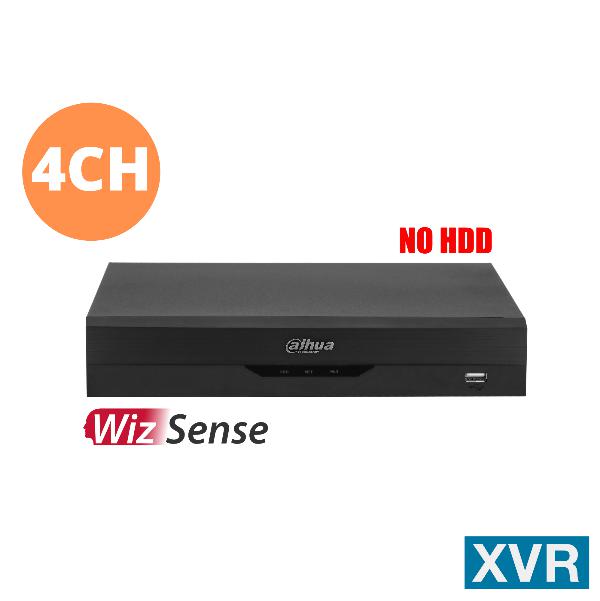
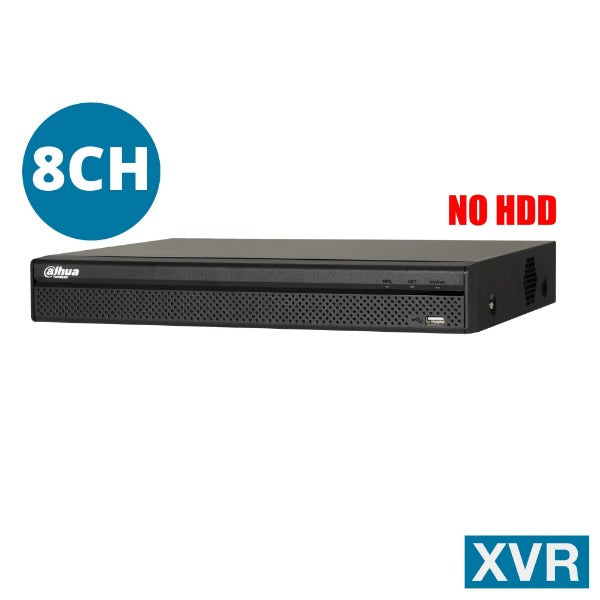
NVRs are designed primarily for IP network cameras. XVR and hybrid recorders may also support analogue cameras connected by coaxial cable; check the product specifications carefully if upgrading an existing system.
Before ordering, confirm the camera count, PoE ports, incoming bandwidth, supported resolution, hard-drive bays, maximum storage and compatibility of any required analytics, audio and remote-viewing features.