Hikvision Code Pads for AX PRO Alarms
Choose a Hikvision code pad for convenient control of a compatible AX PRO alarm system. Compare standard wireless and LCD screen keypads to find an interface that suits your home or business.
Choose Your AX PRO Code Pad
A dedicated code pad gives authorised users a convenient place to operate a compatible AX PRO alarm. Position it near a suitable entry point so users can access the controls as they arrive or leave.
Choose between the standard wireless keypad and the LCD screen model according to the interface you prefer. Check each product's supported functions before ordering.
Compare the Current Models
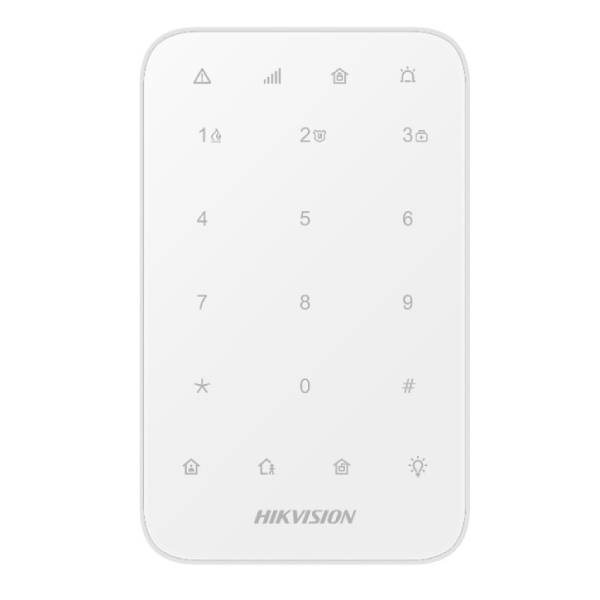
- DS-PK1-E-WB AX PRO Wireless Keypad: a dedicated keypad option for a compatible AX PRO system.
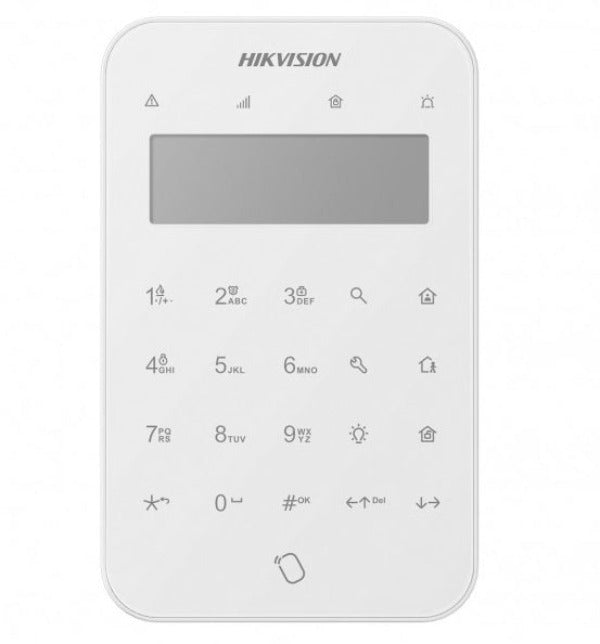
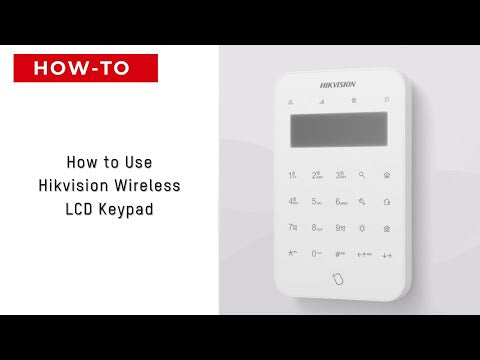
- DS-PK1-LT-WB AX PRO Wireless LCD Screen Keypad: an alternative with an LCD interface for users who prefer a screen.
Compare the individual product specifications for available controls, status information, power requirements and installation instructions. A keypad is an accessory to the alarm panel and does not operate as a standalone alarm.
Compatibility with Your Alarm Panel
Confirm the keypad is supported by your exact AX PRO panel model and firmware. Match the regional wireless frequency and model version, and check the number of keypads your panel supports.
Do not assume that a keypad will work with every Hikvision alarm simply because it carries the same brand. Explore Hikvision AX PRO wireless alarm kits if you are choosing a new system.
Wireless Installation and Positioning
Wireless communication allows a compatible keypad to communicate with the panel without a signal cable between them. Follow the selected keypad's instructions for batteries, any supported power supply and mounting requirements.
Test wireless signal strength before fixing the keypad in place. Choose an accessible indoor location and consider entry and exit timing when planning its position. Avoid placing it where users must pass through an immediately armed area to reach the controls.
User Access and Everyday Operation
Configure authorised users and permissions during installation, and explain how to arm, disarm and identify system warnings. Keep access codes private and update permissions when users no longer need access.
Test the keypad with the configured alarm areas and entry or exit settings. Investigate battery, tamper and communication warnings according to the product instructions.
Complete Your Alarm Controls
Combine a code pad with suitable Hikvision remote controls for different users and entry points. Browse Hikvision alarm accessories for detectors, contacts and other expansion options.
CTC Security can help you compare the two keypad models, check compatibility and discuss Sydney installation options.
Need help choosing a Hikvision code pad? Call CTC Security on 1300 552 282 for compatibility advice and Sydney installation enquiries.